AI continuity under your control

If AI stopped tomorrow, would your company keep working?

T-Chat brings AI, documents and automation into an environment you control. It adapts to your organisation, including fully offline environments, with online services only when you choose them.

  • Data control
  • Operational resilience
  • Human oversight
T-CHAT COREOperational inside your perimeter
KnowledgeAvailable
ProcessesGoverned
ModelsSelectable
DataProtected

Continuity is not a backup. It is the ability to keep moving.

Discover the plan B

Your AI workspace, always within reach

On your Mac. On your phone.
Under your control.

Work with T-Chat on your Mac and continue on your phone with Nearby, on the same private network. Chats, projects and tools stay in your environment, without exposing the service to the Internet.

Local AI on MacNearby on your private networkEven without Internet
Discover the care behind the interface →
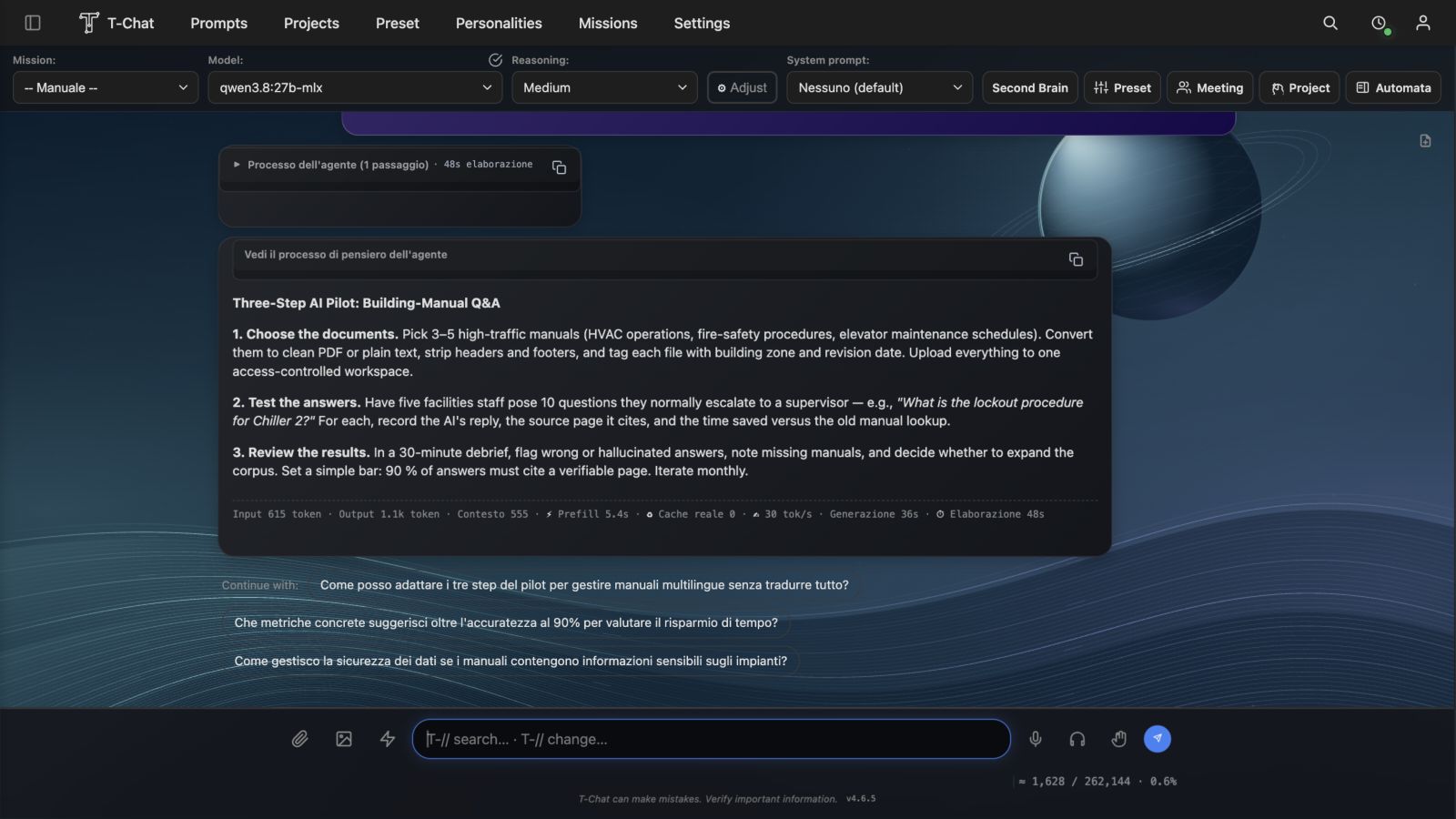
The T-Chat 4.2.1 home screen on a monitor connected to a Mac Studio
Your workspace on Mac Studio.
The T-Chat home screen on a smartphone connected through Nearby to the Mac’s private network
T-Chat NearbyThe same workspace, on your network.

The invisible risk

AI is already inside your processes. Control is still outside the company.

An outage, a policy change or revoked access can halt knowledge, automation and decisions. Going backwards is not a plan.

01 · DEPENDENCE

When everything depends on someone else

  • Operations tied to third-party services
  • Data and context scattered across platforms
  • Costs and conditions that are hard to predict
  • Expertise that disappears with access
Exposed continuity
02 · RENAISSANCE

When intelligence stays with you

  • AI capabilities available within your perimeter
  • Organised, reusable business knowledge
  • Governed, verifiable and transferable processes
  • Freedom to choose models and services
Designed continuity

One platform, many capabilities

More than a chat.
A complete place to work.

T-Chat connects models, people, documents and tools. Start with one useful process and add more when the business is ready.

GOVERNED AUTOMATION

Work keeps moving. You keep control.

Recurring schedules and operational agents execute tasks, prepare outcomes and respect the level of autonomy your company has chosen.

BUSINESS KNOWLEDGE

Documents and folders become operational context.

Information remains organised, searchable and usable in projects without losing the connection to its sources.

COMPOSABLE EXPERTISE

Bring different perspectives around the same goal.

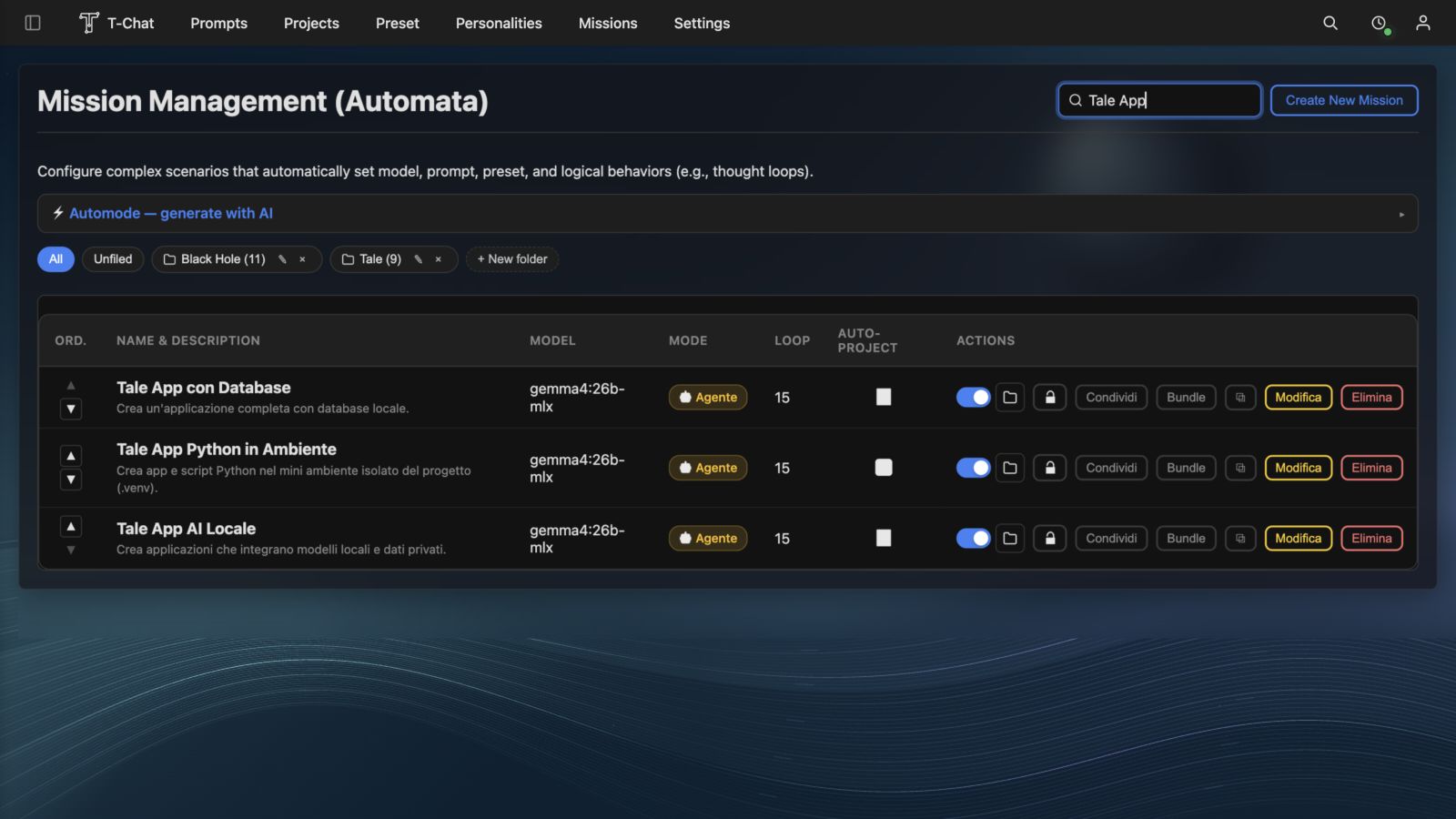
Personalities, missions and AI meetings help assess scenarios, create plans and challenge decisions.

MULTIMODAL CREATION

From reasoning to content in the same flow.

Text, documents, images, video and audio become part of one process, configured around your needs.

PROJECTS AND APPLICATIONS

Turn an idea into a real workspace.

Dedicated workspaces, files, tools and applications stay connected to the project. AI does more than suggest: it works inside the authorised perimeter and makes its actions visible.

MODEL FREEDOM

Your strategy does not depend on one provider.

Open models, local capabilities and enabled online services work together based on priorities, performance and data sensitivity.

What’s new in T-Chat

Your knowledge.
AI you can govern.

Second Brain, configurable agent autonomy, cross-app search and editable Workspace files. The platform keeps evolving while your data and decisions stay under your control.

SECOND BRAIN

Build a memory that stays yours

Separate personal and business archives, selected sources, referenced answers and encrypted backups. In the 4.5 preview: personal profiles and visual analysis of photos and PDFs.

Explore

HARNESS 2.0

Decide how your agent works

Configurable autonomy, questions when needed, confirmation for sensitive actions and continuity when you move between sections.

Explore

WORKSPACE

Work directly on your files

Document and PDF previews, XLSX cell and code editing, protection against save conflicts and a quick return to the apps you have created.

Explore

SEARCH AND OFFICE

Find information, not just titles

Search by words, dates, periods and content type. Explicitly extend searches to connected Office accounts, within your permissions.

Explore

BENCHMARKS

Compare before you change

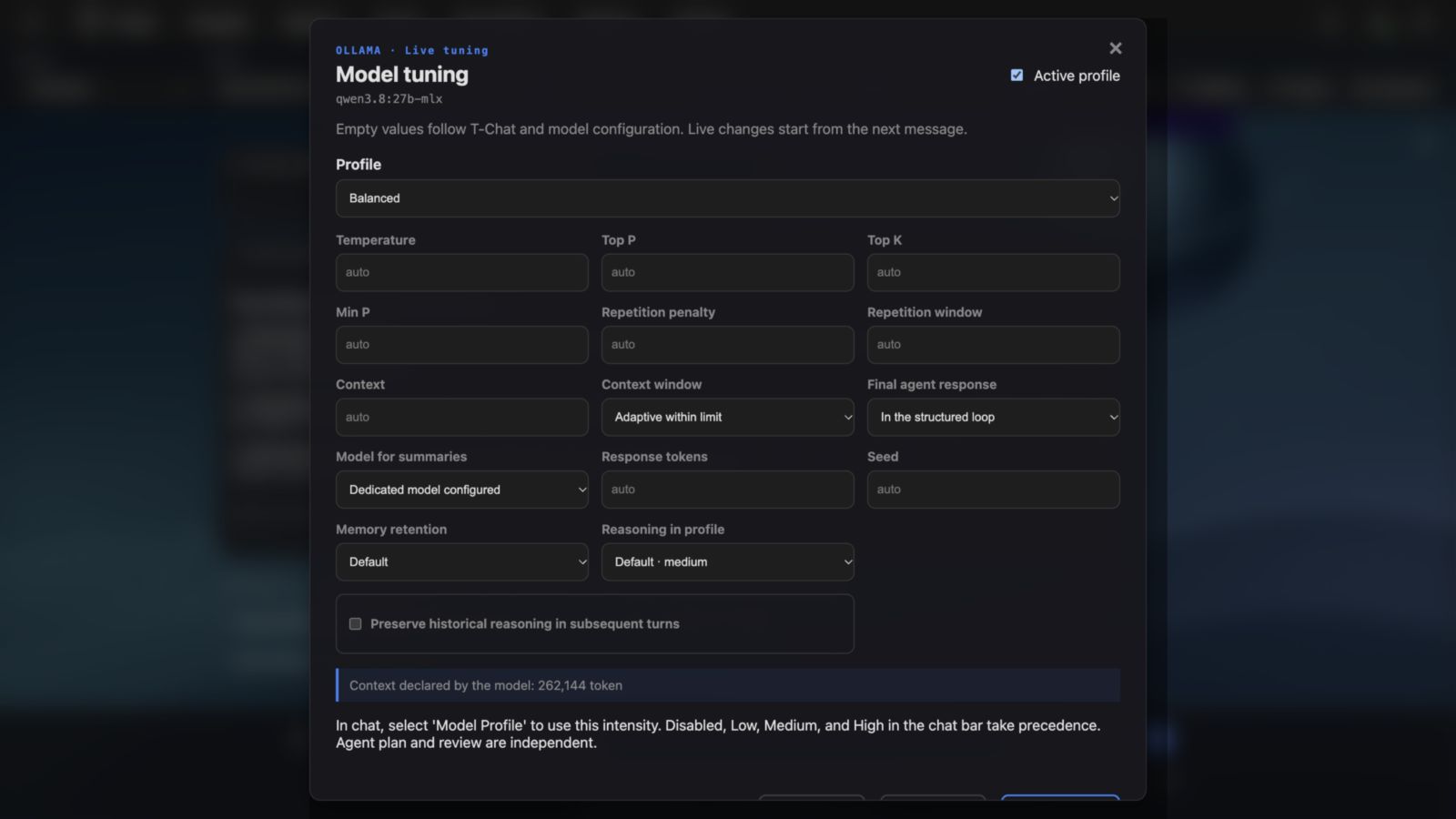
Measure time, tokens and cache, compare local profiles and check answer quality. Performance depends on the model, hardware and workload.

Explore

HUMANOID · LAB

From project to hardware prototype

Organise manuals, code and presets in T-Chat. Manage supported hardware and uploads through Companion, with confirmations and separate physical tests.

Explore

Use cases

From documents
to everyday work.

Local AI for professionals, businesses and personal projects: six practical workflows, with starting data, example requests and checks on the result.

Hardware roadmap

Apple Silicon today.
NVIDIA and AMD in development.

We are developing T-Chat versions for NVIDIA and AMD hardware, extending choice beyond Apple Silicon. They are not available yet: supported operating systems, cards, requirements and release dates will be announced after validation.

The current edition remains designed for Apple Silicon Macs. Memory and model choices should be sized for the actual workload.

Tell us about your hardware

T-Chat Companion

The control centre for your local AI.

Install T-Chat, check every service, update the platform and manage local models, ComfyUI and SSD Streaming without opening Terminal.

Guided installationProtected updatesModel ObservatoryNearby access
Discover T-Chat Companion
01Monitor

Real platform, database and engine status.

02Update

Verified packages, backup and preserved data.

03Observe

Memory, context and local model activity.

04Connect

T-Chat on a smartphone over the same private network.

From one Mac to a whole team

The right hardware depends on the work, not the trend.

An Apple silicon Mac and a small model may be enough to begin. More memory supports larger models, longer contexts and more work at once. SSD Streaming lets selected MoE models reach beyond the available RAM.

Find the right configuration
01
Start

Chat, documents and small models

16–24 GB
02
Professional

More context and automation

32–64 GB
03
AI department

Large models and SSD Streaming

96–128 GB
04
Business node

Intensive workloads and more users

256 GB+

Perimeter, accountability, trust

AI is useful when you know what it does and who controls it.

Every organisation has different needs. T-Chat adapts to the data, roles, computers and processes already in place, with the level of autonomy chosen by the business.

Design your AI perimeter
01

Private when it needs to be

Sensitive information and internal knowledge can remain inside the environment your company controls.

02

Open when it creates value

Selected external services can be enabled where they deliver a clear operational advantage.

03

Always verifiable

Status, actions and results remain visible to the people accountable for the process.

Designed for organisations that cannot afford to stop

SMEsProfessional firmsAgenciesOperationsResearchEducation

Private self-assessment

How resilient are your AI operations today?

Four questions. No data is sent: the result is calculated directly in your browser.

Continuity index

Complete all four answers to view your profile.

Get a full assessment →
01 How many important processes already depend on external AI services?
02 Does the company retain an operational copy of prompts, contexts and workflows?
03 Could you continue using AI during an extended outage?
04 Are roles and accountability for automated actions already defined?

Inside T-Chat

Everything you need to work with AI

Chat, documents, projects, meetings and automation share the same context. Explore the platform →

T-Chat Journal

Ideas for building independence

Practical perspectives on bringing AI into business processes without losing control, memory or continuity. All articles →

What’s new in T-Chat

Second Brain, configurable agent autonomy, cross-app search and editable Workspace files. The platform keeps evolving while your data and decisions stay under your control.

Explore

Local control and smartphone access

Installation, updates, models and Nearby become one coherent macOS experience.

Discover Companion and Nearby →

Autonomy, forecasting and control for real work

Shield Web, TimesFM 3, Social Office and deeper agent traceability.

Discover T-Chat 4.2.1 →

A practical path

Start with one process. Grow when it works.

01

Map

Identify the processes, data, risks and opportunities with the greatest operational impact.

02

Define

Choose models, tools, permissions and autonomy levels that fit the organisation.

03

Activate

Configure T-Chat around priority use cases and support teams through adoption.

04

Evolve

Measure outcomes and expand while preserving control, consistency and transferability.

Build your plan B

Do not wait for AI to stop before discovering what is missing.

Tell us how your organisation uses artificial intelligence today. We will help you define a realistic path towards greater continuity, control and independence.

Direct contactbusiness@mytichat.com

Reply within 1 business day.

Frequently asked questions

Before you begin.

Do TChat, T Chat and T-Chat refer to the same product?

Yes. T-Chat is the official name of HalloCorp's local and hybrid AI platform for business on Mac. “TChat” and “T Chat” are common search variations.

Does T-Chat replace the AI tools we already use?

Not necessarily. It can complement them, orchestrate enabled alternatives and create an independent operational perimeter for the processes that cannot stop.

Does T-Chat also work in fully offline organisations?

Yes. T-Chat adapts to independent professionals, teams and businesses, including organisations with fully offline infrastructure. With local models and tools already installed, you can work without an Internet connection. If you want to integrate online services, you choose which ones to enable: they are not required to use local capabilities.

How is agent autonomy managed?

Your organisation defines permissions, approvals, limits and accountability. Actions remain visible, and human oversight can be stricter or lighter depending on the process.

Where should we start?

Start with one or two high-value use cases where risk can be controlled. The initial assessment identifies a concrete, measurable perimeter that can grow over time.

Is there a path for teams and partners?

Yes. Configurations, expertise and operational packages can be prepared for organisations, professionals and partner networks.